


Key Takeaways:
- Wispr Flow is an AI voice dictation tool that enhances productivity by allowing users to dictate text naturally and efficiently.
- It offers features like voice shortcuts, a personal dictionary, and context awareness, making it suitable for various applications, from writing code to taking meeting notes.
- While it has a learning curve, the benefits of reduced editing time and increased typing speed make it a valuable tool for professionals.
Understanding Wispr Flow
Wispr Flow is an innovative AI voice dictation tool designed to streamline the process of converting speech into text. It caters to a wide range of users, from writers to programmers, by allowing them to dictate their thoughts and ideas without the hassle of typing. The tool is particularly beneficial for those who often find themselves in noisy environments or who prefer to speak naturally rather than type.
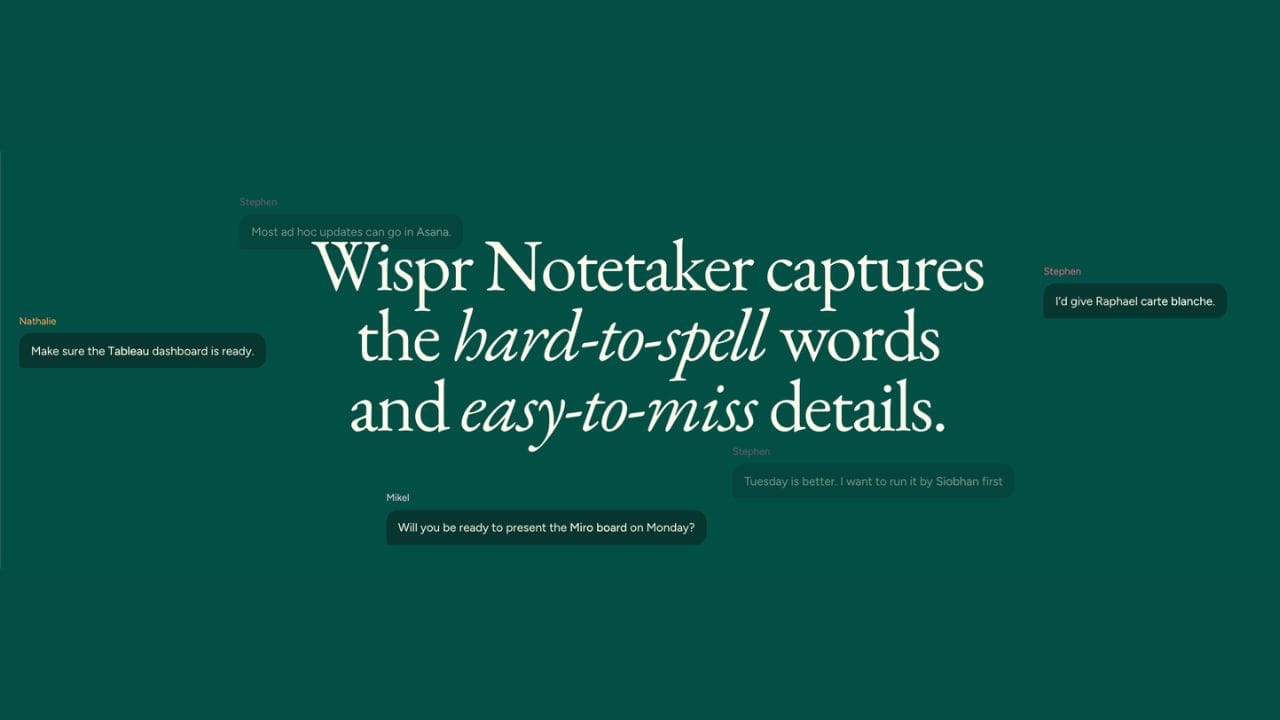
The core functionality of Wispr Flow revolves around its ability to recognize voice commands and convert them into polished text. This capability is not just about transcribing words; it also understands context, which means it can handle technical terms, company jargon, and even unique words that are specific to your industry. This makes it a powerful ally for professionals who need to produce high-quality written content quickly.
How We Choose
Our team has spent hours researching thousands of user reviews, review volume and star ratings for the best products on the market. We take into account factors such as quality, performance, sustainability, affordability, and the reputation of the brand when recommending products to our readers. Additionally, we consider the reputation of the seller and seller reviews to ensure a trustworthy transaction process and a positive purchase experience. We strive to find the best options that meet everyone’s needs—even those on a budget!
We hope you find your next special item below! This product was independently selected by our editors. Good Guru Reviews may collect a share of sales or other compensation from the links on this page if you decide to buy something (at no additional cost to you—that’s how we stay in business). To view more details or make a purchase, simply click the product links below. Enjoy finding your next special item with us!
Disclaimer: The information presented, including general product details and dietary supplements labeling or claims, is for reference only. Always consult original product labels, warnings, and professional advice before making a purchase or using any product. Be sure to review the claims on the product pack, and if you have specific questions or wish to verify product information, contact the manufacturer using the contact details provided on the packaging.

Features of Wispr Flow
One of the standout features of Wispr Flow is its voice command functionality. Users can issue commands to format text, add punctuation, or even create bullet points, all through simple voice prompts. This feature significantly reduces the time spent on editing, allowing users to focus on their ideas rather than the mechanics of writing.
Additionally, Wispr Flow includes a personal dictionary that learns and adapts to the user's vocabulary. This means that over time, the tool becomes more attuned to the specific words and phrases that are relevant to your work. Whether you're dictating meeting notes or writing code, this feature ensures that the tool understands your unique language, making the dictation process smoother and more efficient.
How Wispr Flow Works
Using Wispr Flow is straightforward. After setting up the application on your device—be it Mac, Windows, iPhone, or Android—you can start dictating immediately. The tool captures your speech and converts it into text in real-time, allowing you to see your words appear on the screen as you speak. This immediate feedback can be incredibly motivating, as it feels like a conversation rather than a tedious typing session.
The AI behind Wispr Flow is designed to learn from your dictation habits. It adapts to your speech patterns, making it easier to dictate longer prompts without losing context. This learning capability is particularly useful for users who frequently work with technical terms or industry-specific jargon, as it helps the tool become more accurate over time.
Voice Commands and Shortcuts
Wispr Flow's voice commands are a game-changer for those who want to enhance their productivity. Users can issue commands like "new line," "add bullet point," or "format as heading" to control the text formatting without lifting a finger. This hands-free approach allows for a more fluid writing experience, especially when multitasking.
Moreover, the tool supports voice shortcuts, which can be customized to fit individual workflows. For instance, if you often use specific phrases or commands, you can create shortcuts that insert reusable, formatted text with a spoken trigger phrase, such as dropping in a standard disclaimer. This feature not only saves time but also reduces the cognitive load associated with remembering various commands.
Context Awareness
One of the most impressive aspects of Wispr Flow is its context awareness. Unlike many dictation tools that struggle with proper nouns or industry-specific terminology, Wispr Flow is built to understand the context in which you're speaking. This means that it can accurately transcribe names of clients, company names, and even technical terms without requiring constant corrections.
This context awareness is particularly beneficial for professionals who need to maintain accuracy in their writing. For example, if you're dictating a report that includes specific industry jargon, Wispr Flow's ability to recognize and correctly transcribe these terms can save you a significant amount of time during the editing process.

Learning Curve
While Wispr Flow offers a plethora of features, it does come with a learning curve. New users may find it challenging to adapt to the voice commands and shortcuts initially. However, with a bit of practice, most users report that they become proficient in using the tool within a short period.
To ease this transition, Wispr Flow provides resources and tutorials that guide users through the various functionalities. These resources are invaluable for understanding how to maximize the tool's potential and can significantly reduce the time spent figuring out how to use it effectively.
Practical Applications
Wispr Flow is not just a dictation tool; it can be a versatile writing assistant in various scenarios. For instance, writers can use it to draft journal entries or articles, while programmers can dictate code snippets directly into their code editor or any open text box without switching workflows. The ability to speak in a natural, conversational tone makes it easier to capture ideas as they come and turn them into a usable first draft, without the interruption of typing.
Moreover, the tool is particularly useful for taking meeting notes. Instead of scrambling to jot down every word, users can simply dictate their thoughts as the meeting progresses. This allows for a more engaged and attentive presence during discussions, as the focus shifts from note-taking to active participation. It is not optimized for extremely noisy environments or an open office.

Integration with Other Tools
Wispr Flow seamlessly integrates with various applications by inserting dictation directly into a text field, enhancing its utility as a dictation tool. For example, it works well with Google Docs, so you can dictate in place instead of recording ideas in one app and pasting them somewhere else. You can even draft a slack message without switching away from your current workspace. This integration means that you can leverage the power of voice dictation without having to switch between applications constantly.
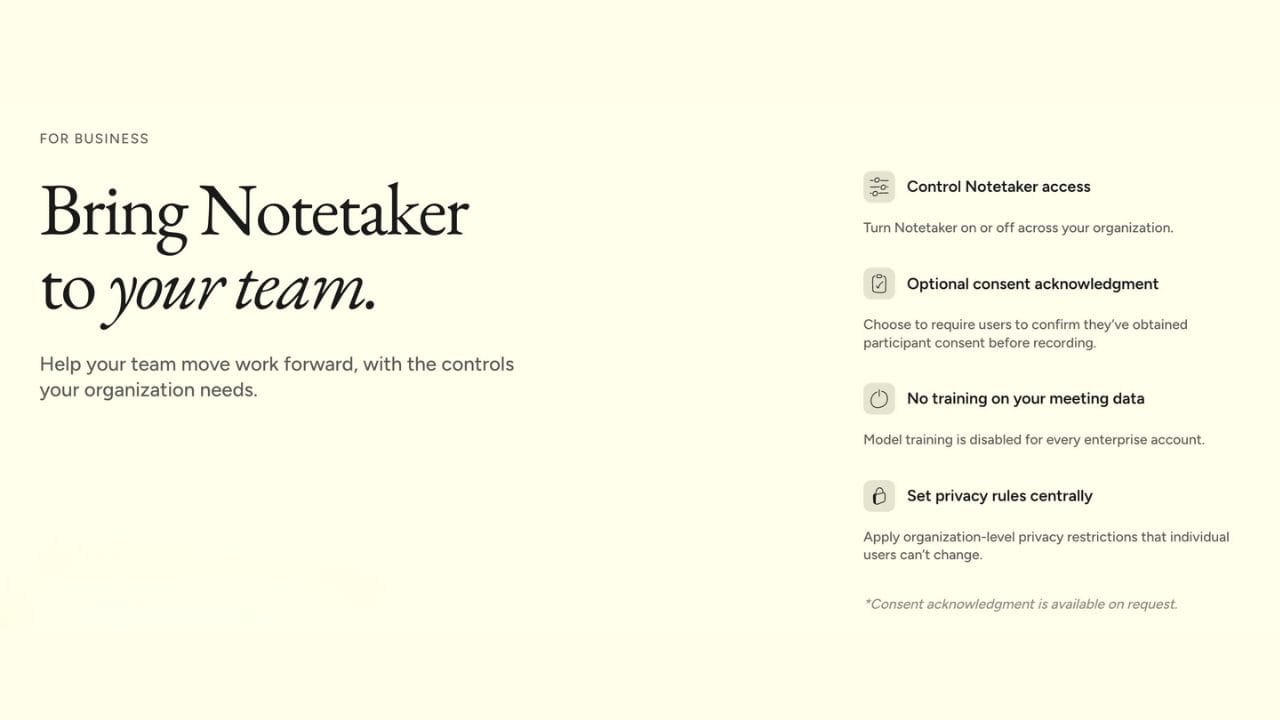
Additionally, Wispr Flow supports centralized billing and shared dictionaries for teams, making it an excellent choice for organizations looking to streamline their dictation processes. Shared snippets are also available for reusable content. This feature allows multiple users to access the tool under a single account, simplifying management and reducing costs.
Privacy Concerns
As with any AI tool, privacy is a significant concern for users of Wispr Flow. The application processes voice data to improve its accuracy and functionality, which raises questions about data security. Wispr Flow addresses these concerns by implementing robust privacy measures, including encryption and strict data handling protocols.
Users can also take advantage of the privacy mode, which ensures that sensitive information is not stored or processed by the tool. This feature is particularly important for professionals who deal with confidential information and need to ensure that their data remains secure.
User Feedback and Reviews
This Wispr Flow review is based on user feedback, and many users have praised its accuracy and ease of use, noting that it significantly reduces the time spent on editing. The ability to dictate in a natural tone without worrying about typing errors has been a game-changer for many.
The software has received mostly positive reviews, averaging around 4.7 out of 5 across multiple platforms.
An honest Wispr Flow review should also note that some users have pointed out the initial learning curve as a potential drawback. While the tool offers extensive features, mastering them can take time. Nevertheless, most users agree that the benefits far outweigh the challenges, making Wispr Flow a worthwhile investment for anyone looking to enhance their writing productivity.
Comparing Wispr Flow to Other Dictation Tools
When evaluating whether Wispr Flow is the right choice for you, it's essential to compare it with other dictation tools on the market. Many dictation applications and built-in dictation tools offer basic transcription capabilities, but they often leave more cleanup work afterward than Wispr Flow.
For instance, while tools like Google Docs offer voice typing, built-in alternatives may require more time fixing raw transcripts and may not handle industry-specific jargon as effectively as Wispr Flow, especially since it removes filler words during cleanup. Additionally, the customizable voice shortcuts and personal dictionary features set Wispr Flow apart from its competitors, making it a more versatile option for professionals because it turns speech into more polished text rather than just transcribing literally.
Pricing Plans
Wispr Flow offers Free, Pro, and Enterprise plans to accommodate different user needs. The free plan provides basic dictation capabilities and includes 2,000 words per week after a bonus, allowing users to test the tool's functionality before committing to a paid plan. For those who require more advanced features, the Pro plan includes unlimited dictation, priority support, and additional customization options.
The pricing structure is designed to cater to both individual users and teams, and Enterprise plans add organization features such as SAML SSO and audit logs. This flexibility ensures that users can choose a plan that best fits their dictation needs and budget.
AI voice dictation tool that enhances productivity by allowing users to dictate text naturally and efficiently.
Final Thoughts on Wispr Flow
In the fast-paced world of professional writing and communication, tools like Wispr Flow can make a significant difference in productivity. By allowing users to dictate their thoughts naturally and efficiently, it reduces the time spent on editing and enhances overall workflow.
While there may be a learning curve, the benefits of using Wispr Flow—such as increased typing speed and reduced editing time—make it a valuable addition to any professional's toolkit. Whether you're drafting reports, writing code, or taking meeting notes, Wispr Flow has the potential to transform the way you work.
FAQ Section
Q1: Does Wispr Flow actually work for technical writing?
Yes, Wispr Flow is designed to handle technical terms and industry-specific jargon effectively, making it suitable for technical writing. Flow learns specialized vocabulary over time, including industry terms and client names.
Q2: Can I use Wispr Flow on multiple devices?
Absolutely! Wispr Flow is compatible with Mac, Windows, iPhone, and Android, allowing you to dictate on various devices seamlessly.
Q3: Does the app work directly inside other software?
Yes. The app can place dictation into your current workspace instead of sending everything to a separate recorder. It can also help you revise existing text by voice using command mode when you highlight a passage.
Q4: Does it work for developers?
Yes, many people use it in VS Code, and some also use it hands-free for terminal commands.
Q5: Is there a free trial available for Wispr Flow?
Yes, Wispr Flow offers a free plan that allows users to explore its basic dictation features before deciding on a paid plan.
Q6: Can I use it in shared spaces?
Yes. Features like whisper mode can help if you do not want to dictate out loud, and some users use a mic so they can speak quietly in busier environments.


